
Gemini Omni Flash 1.14KDirect every frame
Start generatingError while loading
the media...
Error while loading
the media...
REMIX REALITY
Change the aesthetic, action, or effect - all from your input video
Input video
Prompt
Move her onto a vast blooming flower field
Input video
Prompt
Cinematic close-up of her face
Input video
Prompt
Make the bicycle completely invisible
Tighter control, lower cost
Extend scenes for longer storytelling
1.1 reads up to ten seconds of what came before - not just the last second - and continues the motion, light and story in ten-second steps. One take, held as long as the story needs
Direct it from both ends
Pin the opening frame and the closing frame - 1.1 builds the move between them: camera pushes, zoom transitions, seamless loops
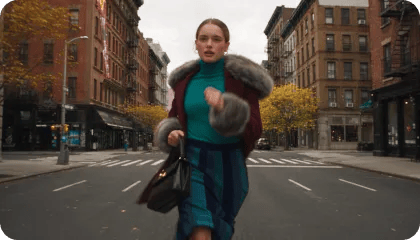


References drive the shot
Pin the opening frame and the closing frame - 1.1 builds the move between them: camera pushes, zoom transitions, seamless loops

Input image
Input video
Recut without reshooting
Load up to thirty seconds of real footage and direct changes in plain language - swap the subject, shift the mood, retime the action
Physics that holds at 4K
Gravity, momentum, fluid dynamics - 1.1 keeps them honest through every ten-second extension, and the 4K master keeps every gear and jewel razor sharp
Transform your world
Change the aesthetic, action, or effect based on your input video
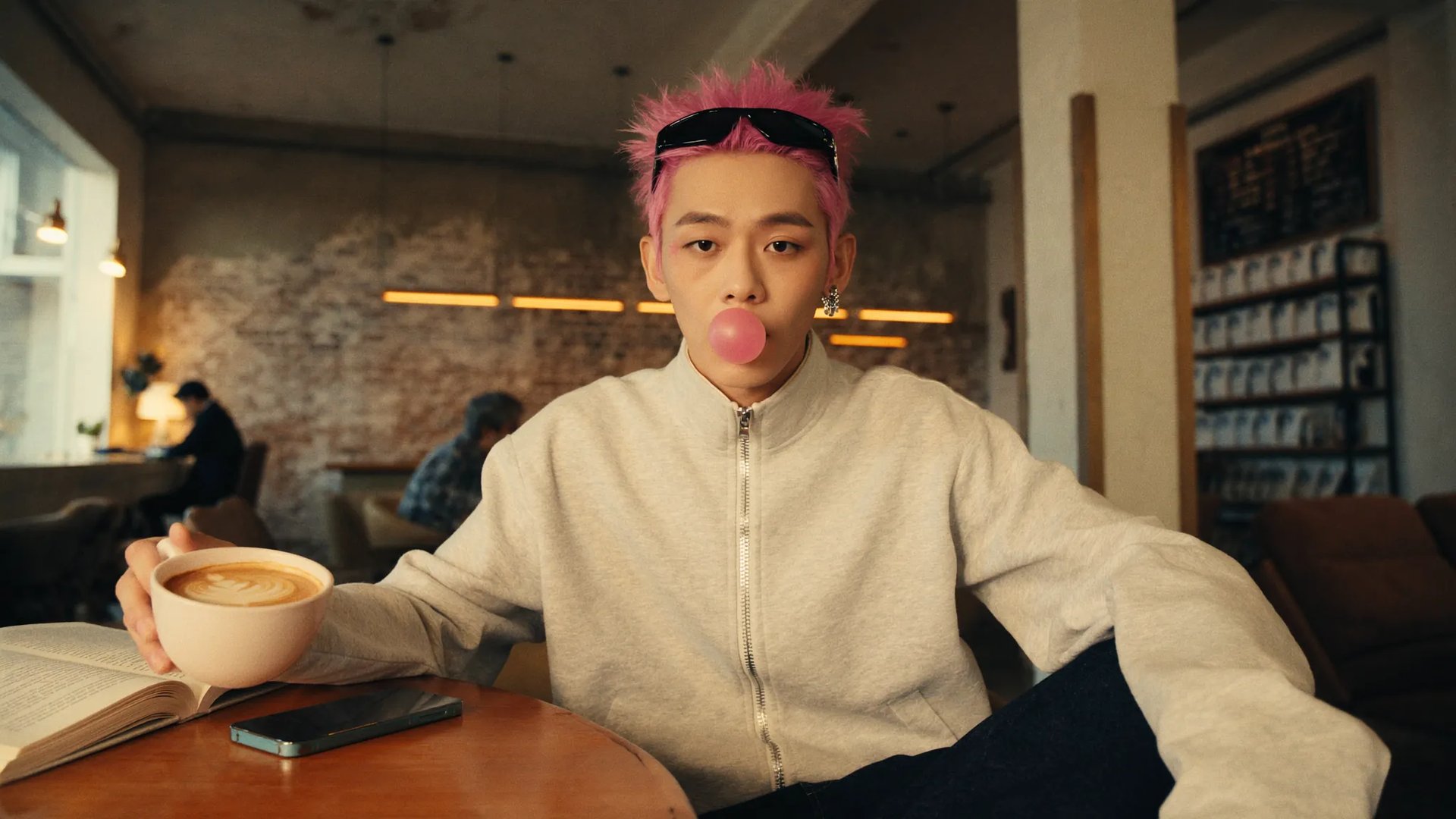
Input image
Input video
Input audio
Transform the entire scene into a stylized 2D cartoon animation aesthetic - hand-drawn illustration style with bold clean black outlines, cel-shaded coloring with flat shaded colors and soft gradients, painterly textures on the buildings, street, and sky, slightly exaggerated character proportions emphasizing his cool youthful vibe, vibrant saturated color palette reminiscent of modern animated feature films
Prompt
Combine multiple inputs. Feed Omni a mix of clips, stills, and references - and let it weave them into one coherent story instead of a collage
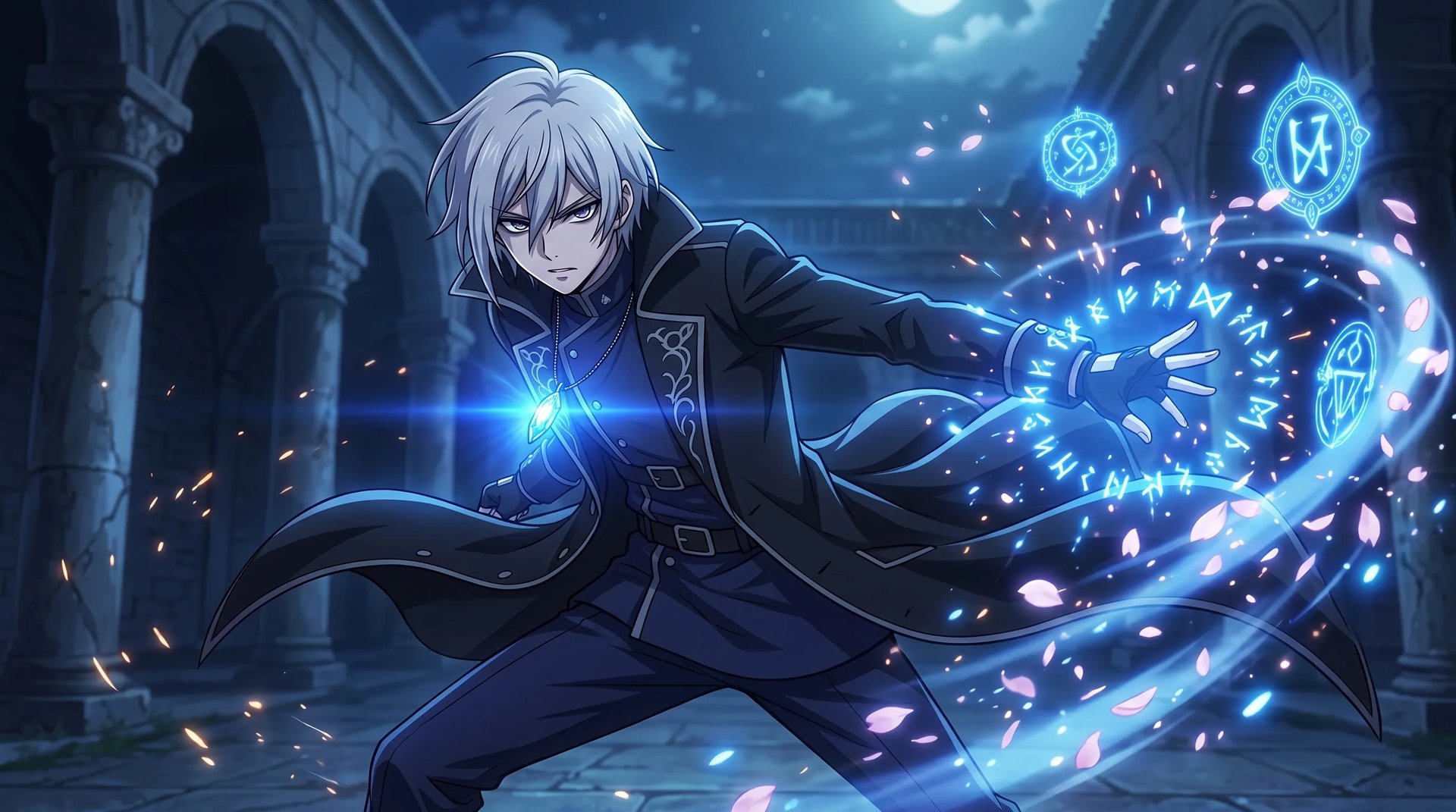
Input image
Input video
Transfer motion and styles. Lift the movement from one clip and the look from another - Omni applies both to your output in a single pass
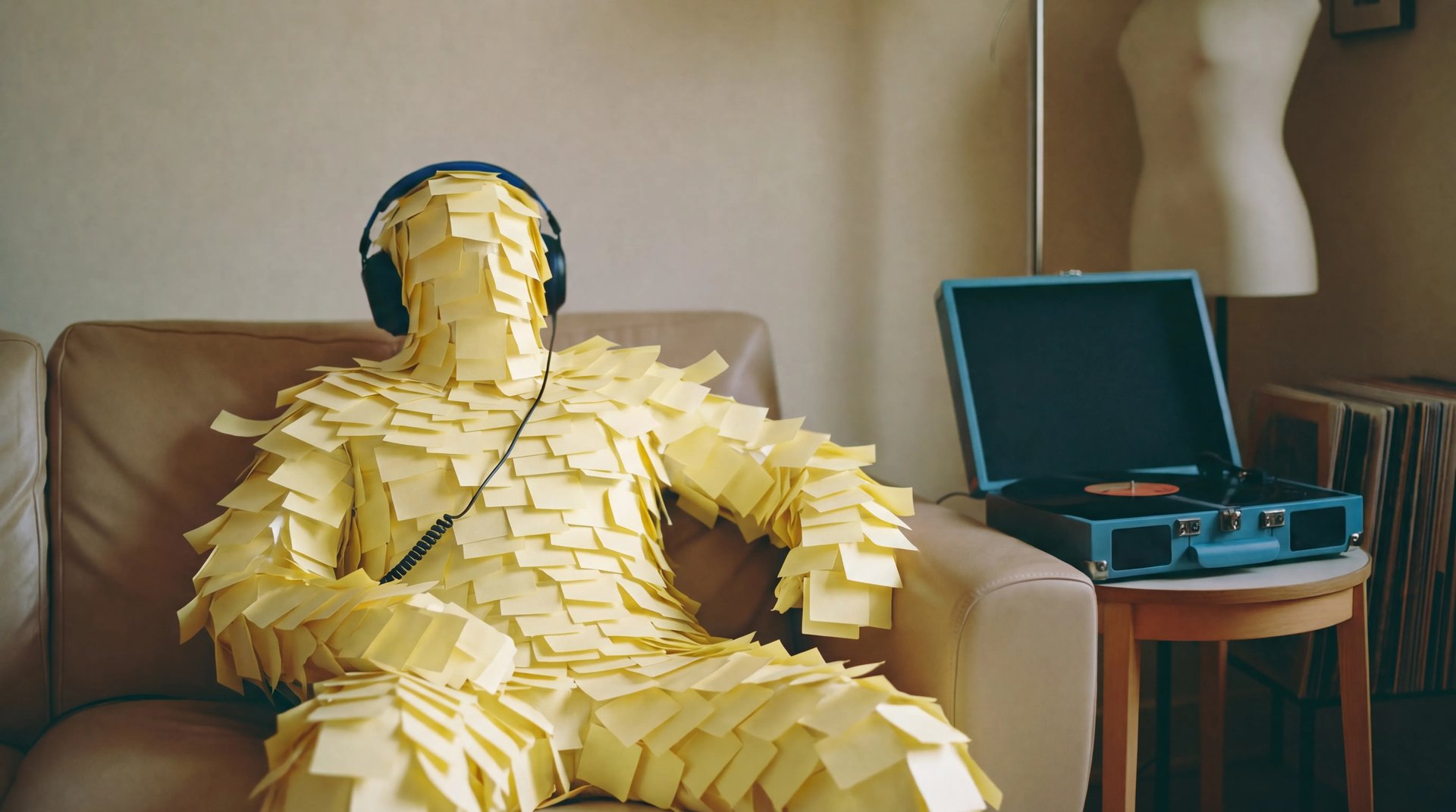
Input image
Input video
Swap characters or objects with a reference image. Drop in a reference alongside your video, and the new character takes over the motion and dialogue without missing a beat
Input image
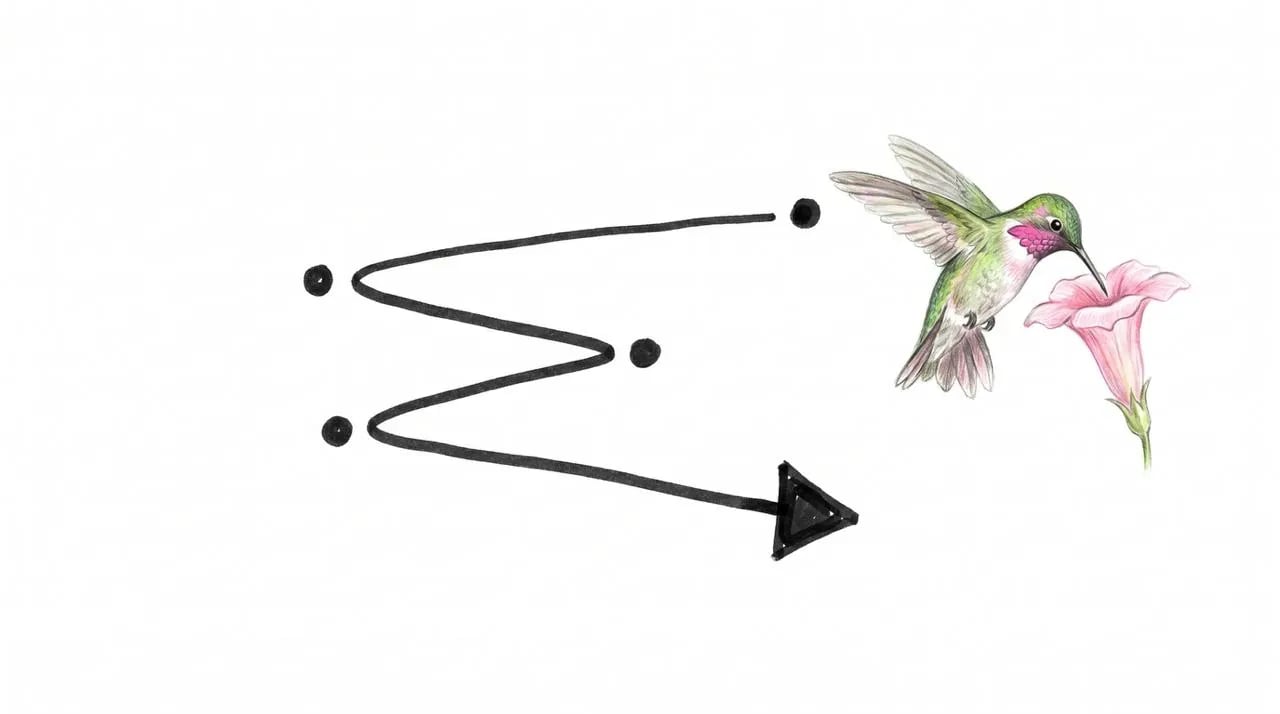
Translate drawings into video. Turn rough sketches into real footage - and use your doodles to direct exactly how each element should move
How to generate
Generate using the most advanced video model
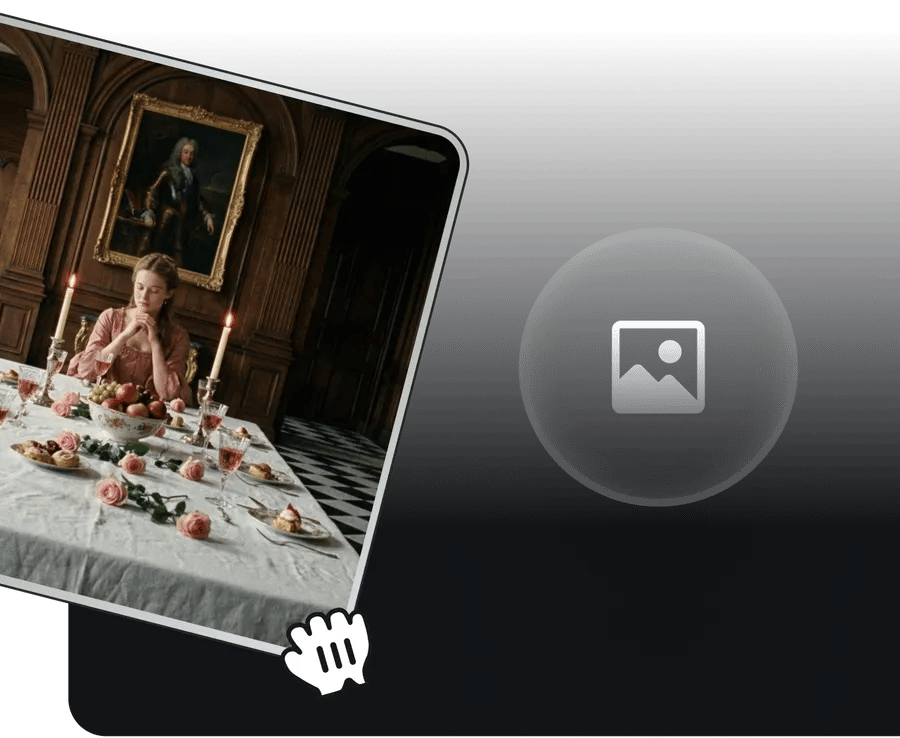 1
1Input Image Reference
Upload reference images to guide your vision
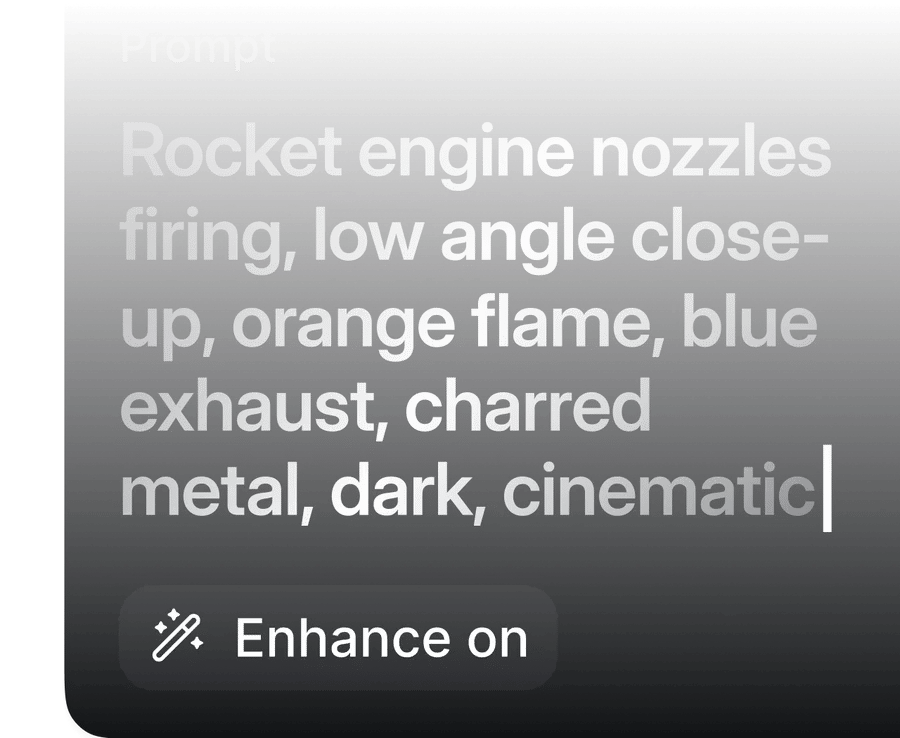 2
2WRITE THE PROMPT
Use natural language to describe desired scenario and sounds
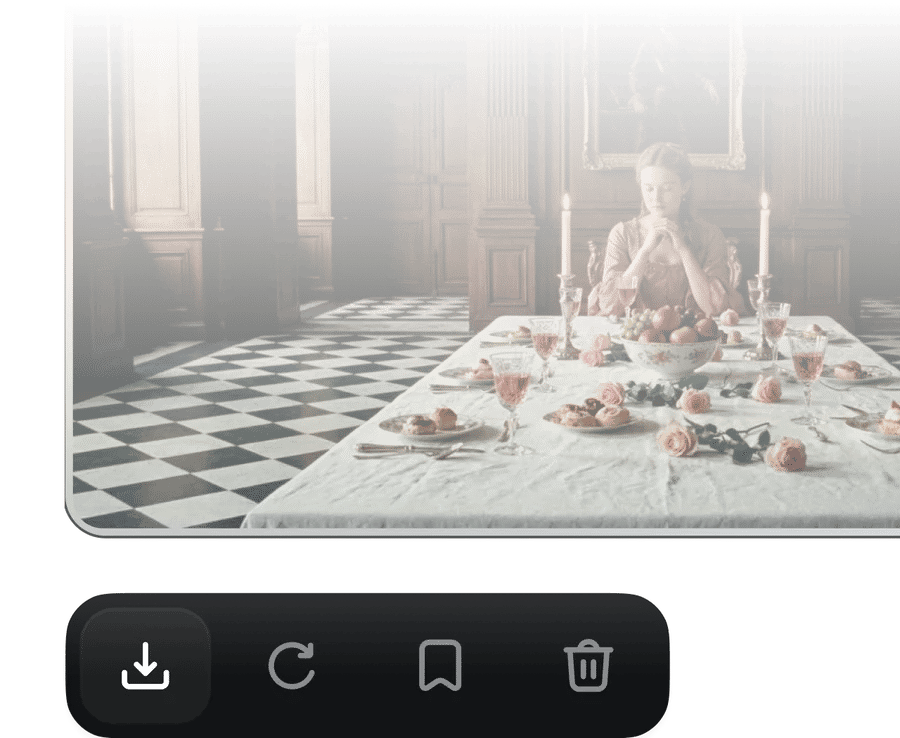 3
3Generate with Gemini Omni Flash
Click "Generate" button and Receive high-fidelity video in seconds.
CREATE FROM ANYTHING
Create anything from anything from any input - starting with video
What Creators Are Saying
From first projects to everyday creative work, these highlights from Flow AI Video creator reviews explore the tools, workflows and support that made a difference.
Strong creative tools and satisfying results stand out to Alexandre. But a question about credits made the biggest impression: Tim answered with clarity and care, turning a support request into a particularly positive experience.
Spock's first projects have already led to videos they are excited about. Helpful support rounds out that early experience, with more platform improvements something to look forward to.
After editing since 2008, Rha still finds the leap from a written prompt to cinematic video remarkable. The range of tools can feel like a lot to take in, but it also opens up plenty to explore.
For Indonesian creator Akun Suliman, practical help with making content is what matters. Useful creative tools and encouragement from the team have made a real difference to the experience.
Shatanu Jachak appreciates a creative workflow that feels smooth and fast while delivering quality results. Support for the creative community and room to experiment make visual storytelling especially rewarding.
An approachable interface, clearly organized tools and fast cloud rendering stand out to Freissy Mediaart. Across numerous image and video projects, the creator reports being pleased with the results.
Regular improvements give Ls estúdios a reason to keep exploring. Useful tools and new features build on an experience the creator already enjoys, with a clear focus on helping creative work.
Rian Rizky Ananta values competitive credit pricing alongside a steady flow of new features. Just as important is the impression of a team that listens and keeps moving the product forward.
Deyo D puts creator-program support at the center of the experience. Professional, approachable help with questions makes the team feel invested in creators and their progress.

Trusted by 5.000+ people worldwide
Still have questions?
We’ve answered the most frequently asked questions