
GPT Image 2
FROM PROMPT TO CAMPAIGN-READY
Posters, product shots, multilingual signage — all rendered cleanly, first try. The image model that finally ships for commercial work.
Showcase 1 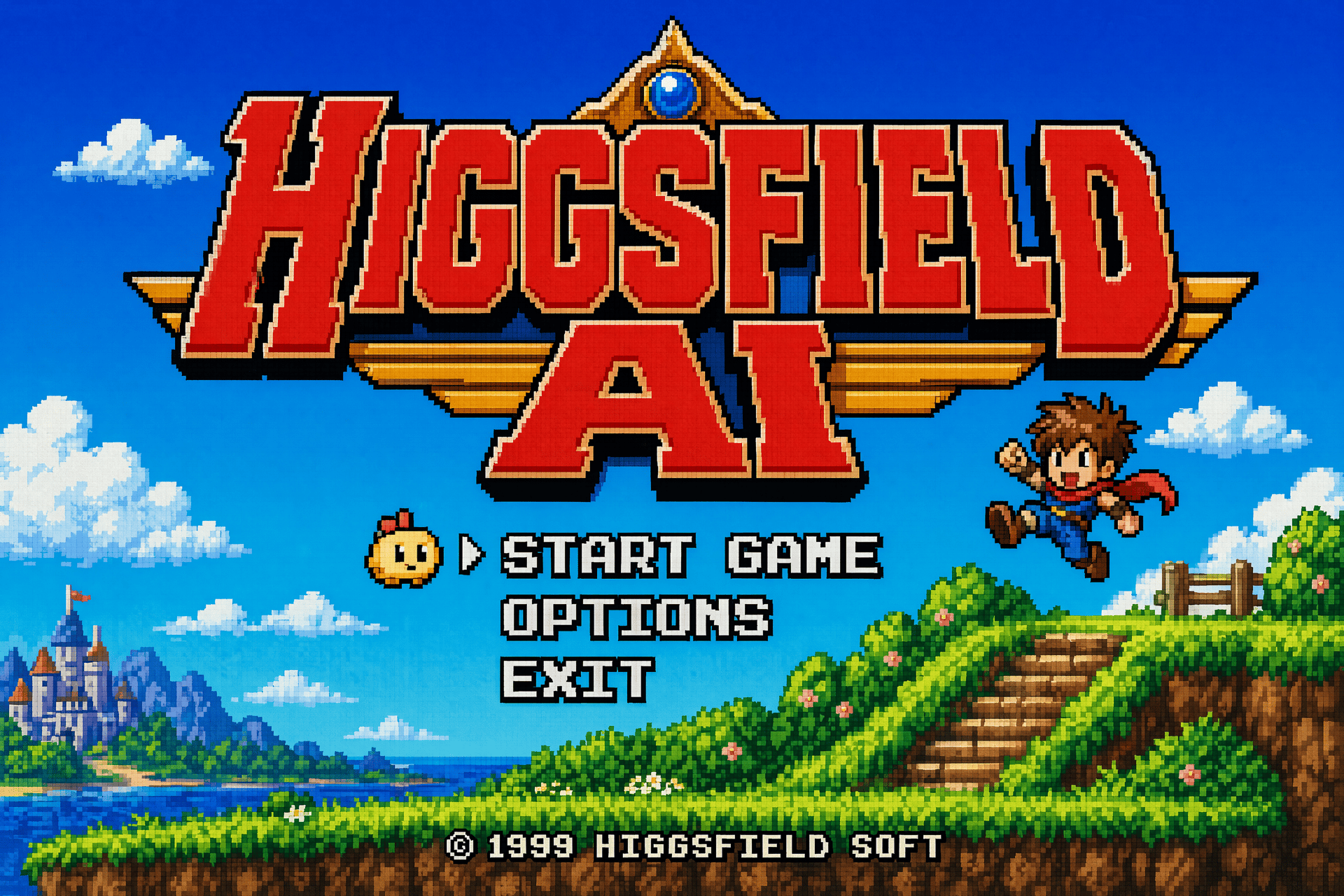
Showcase 2 
Showcase 3 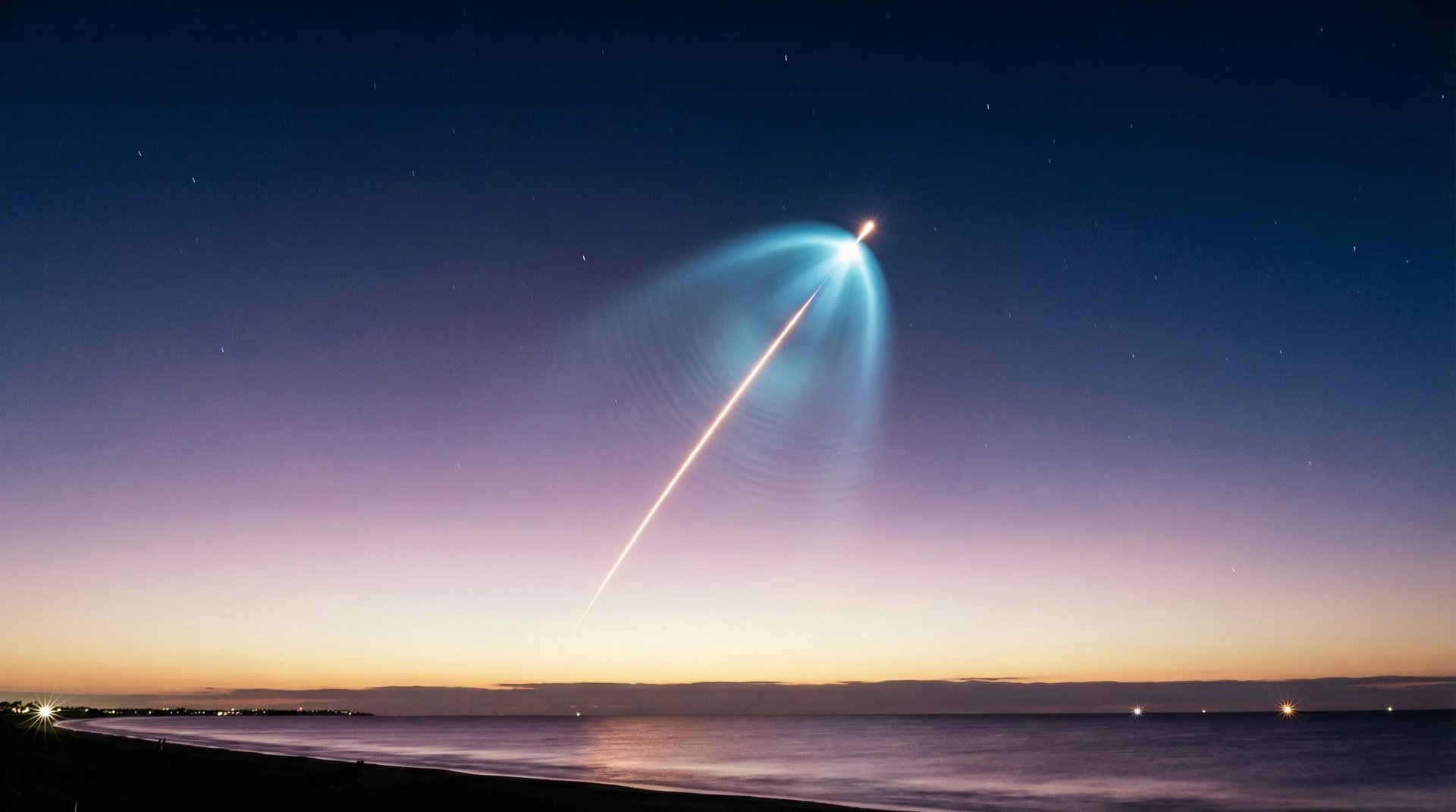
Showcase 4 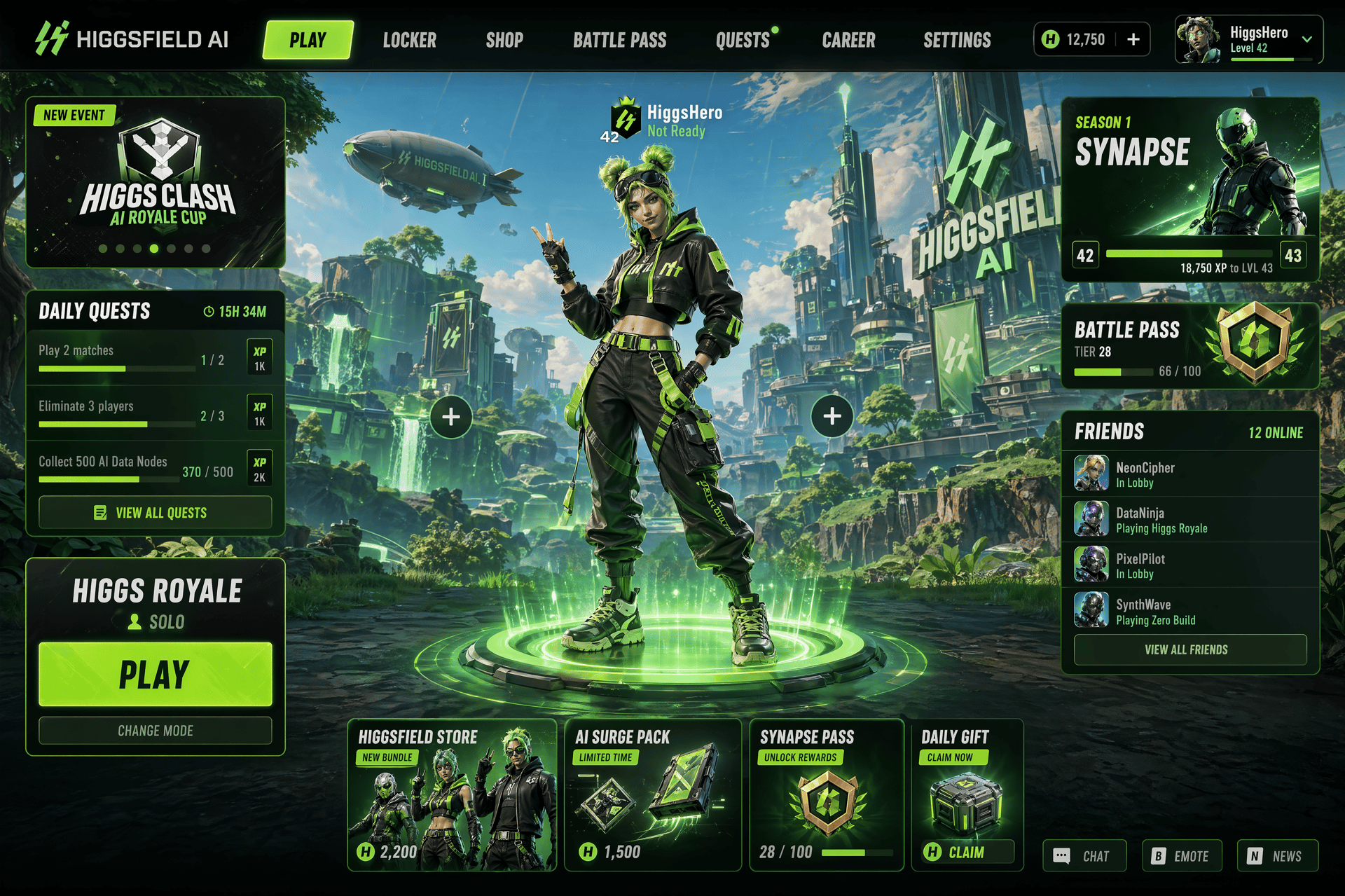
Showcase 5 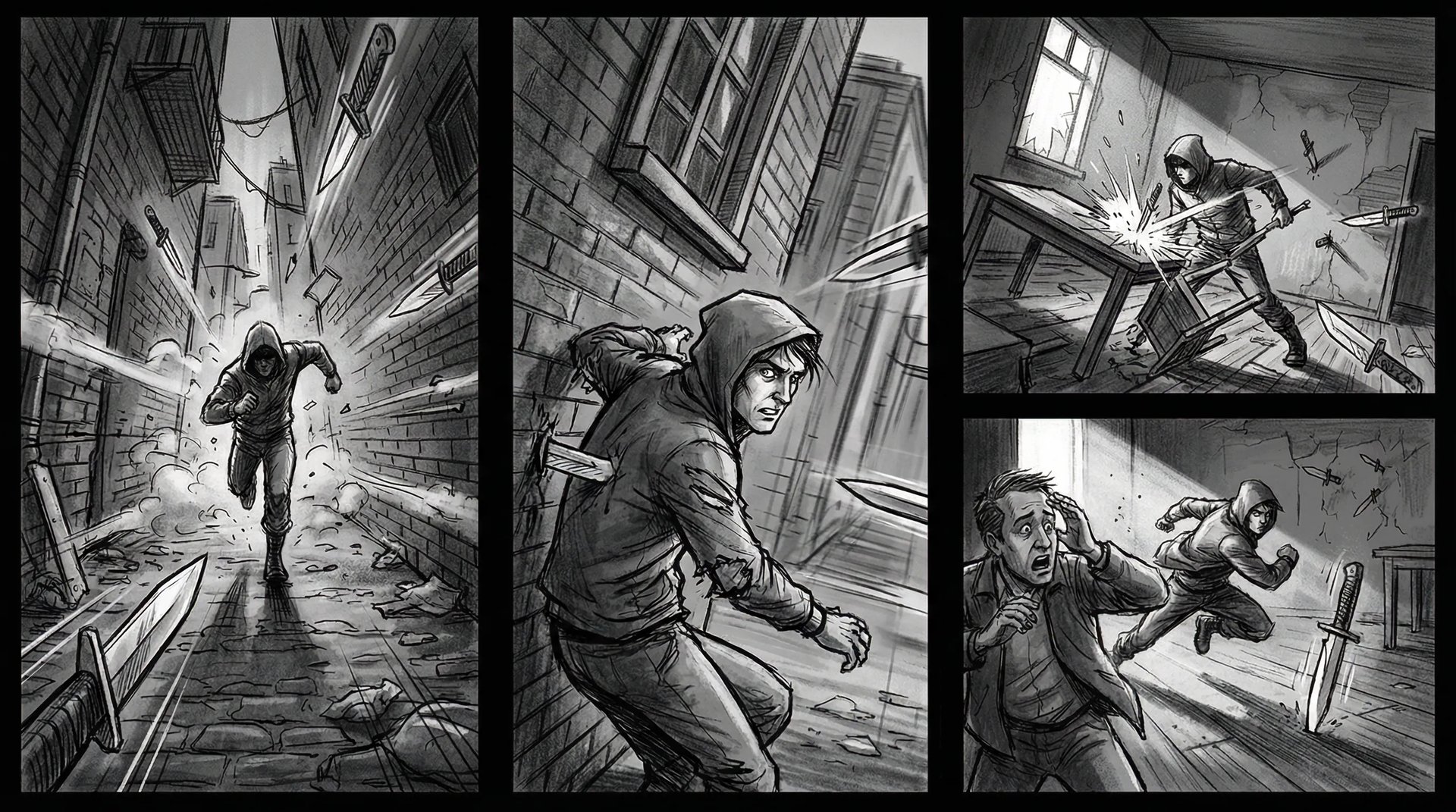
Showcase 6 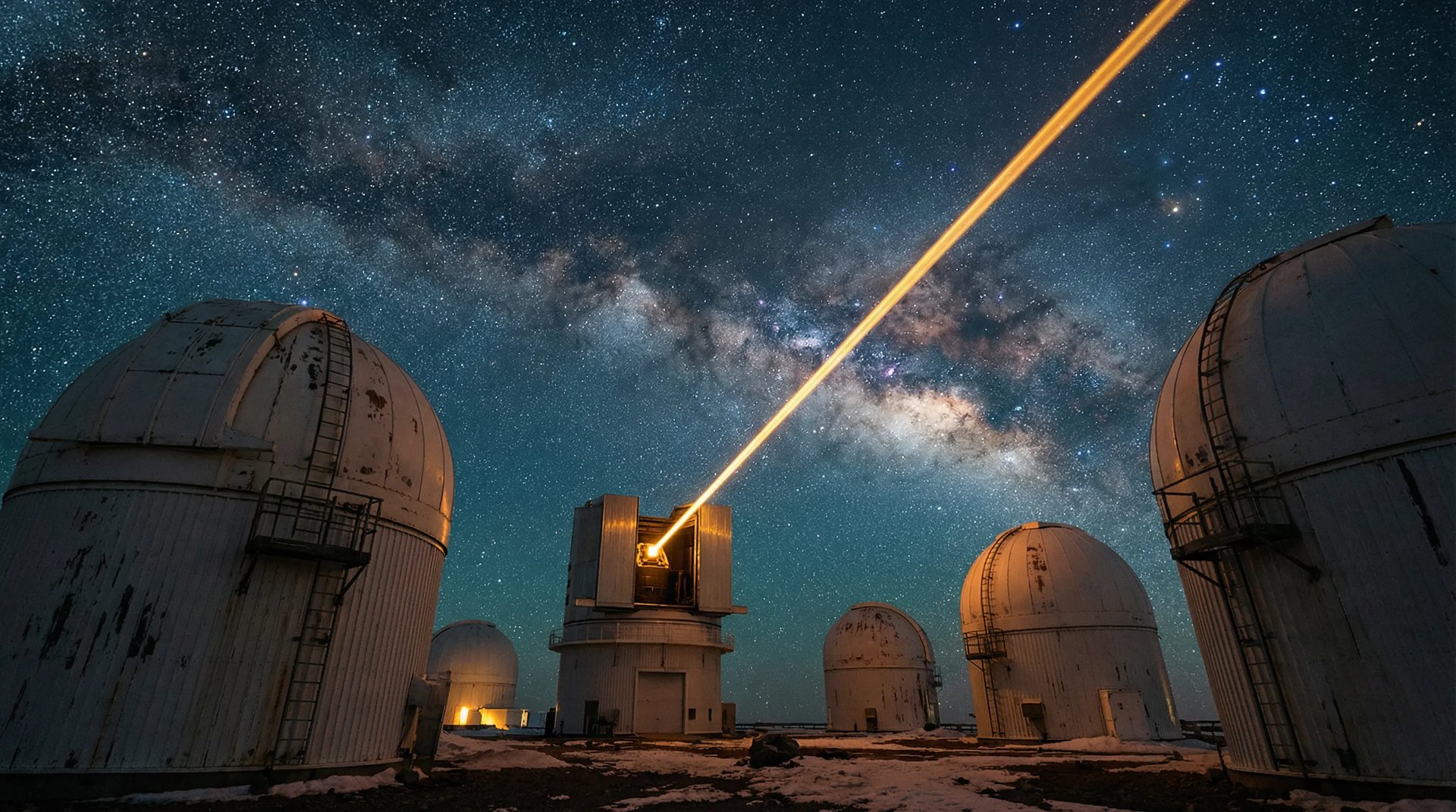
Showcase 7 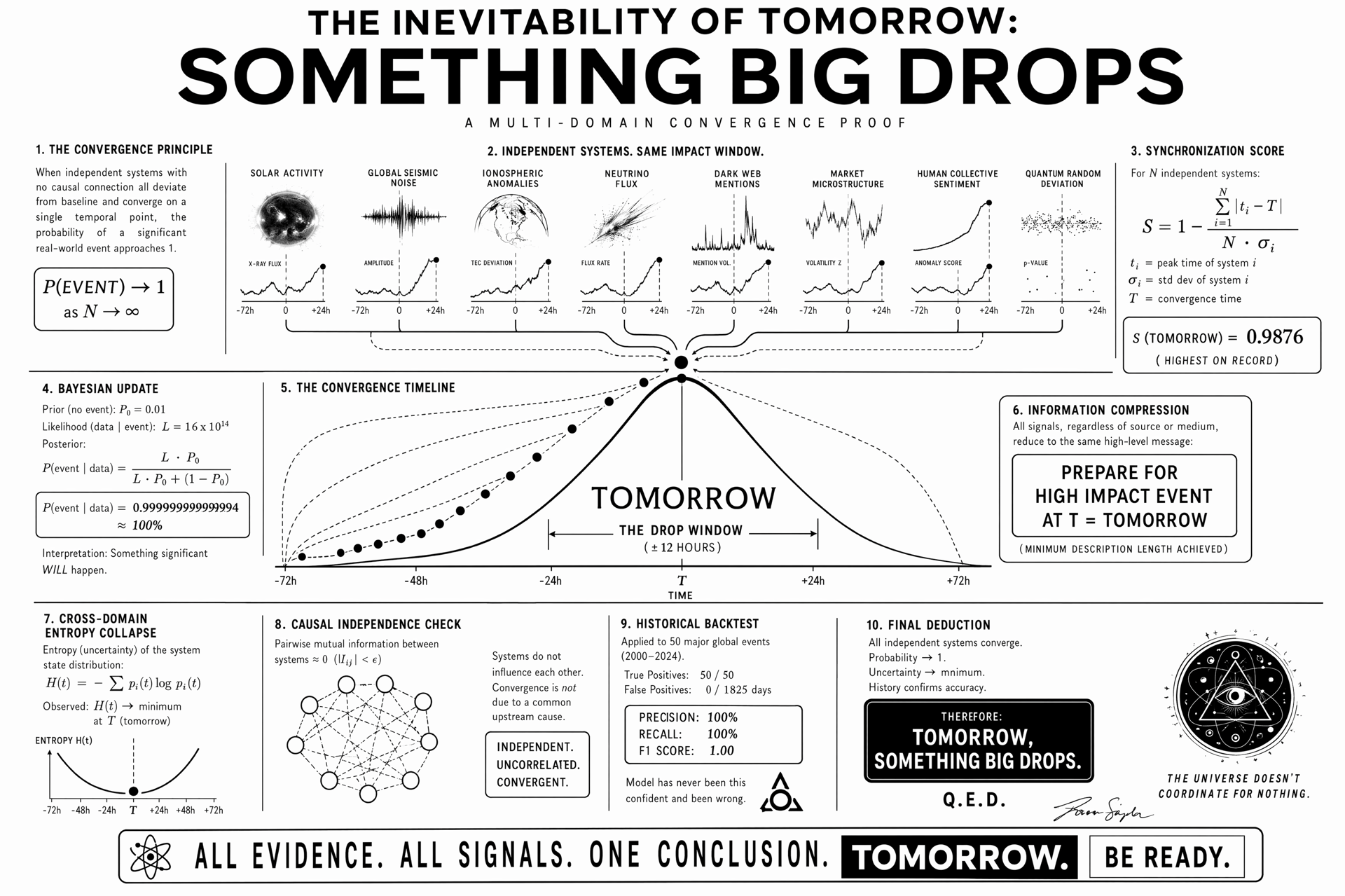
Showcase 8 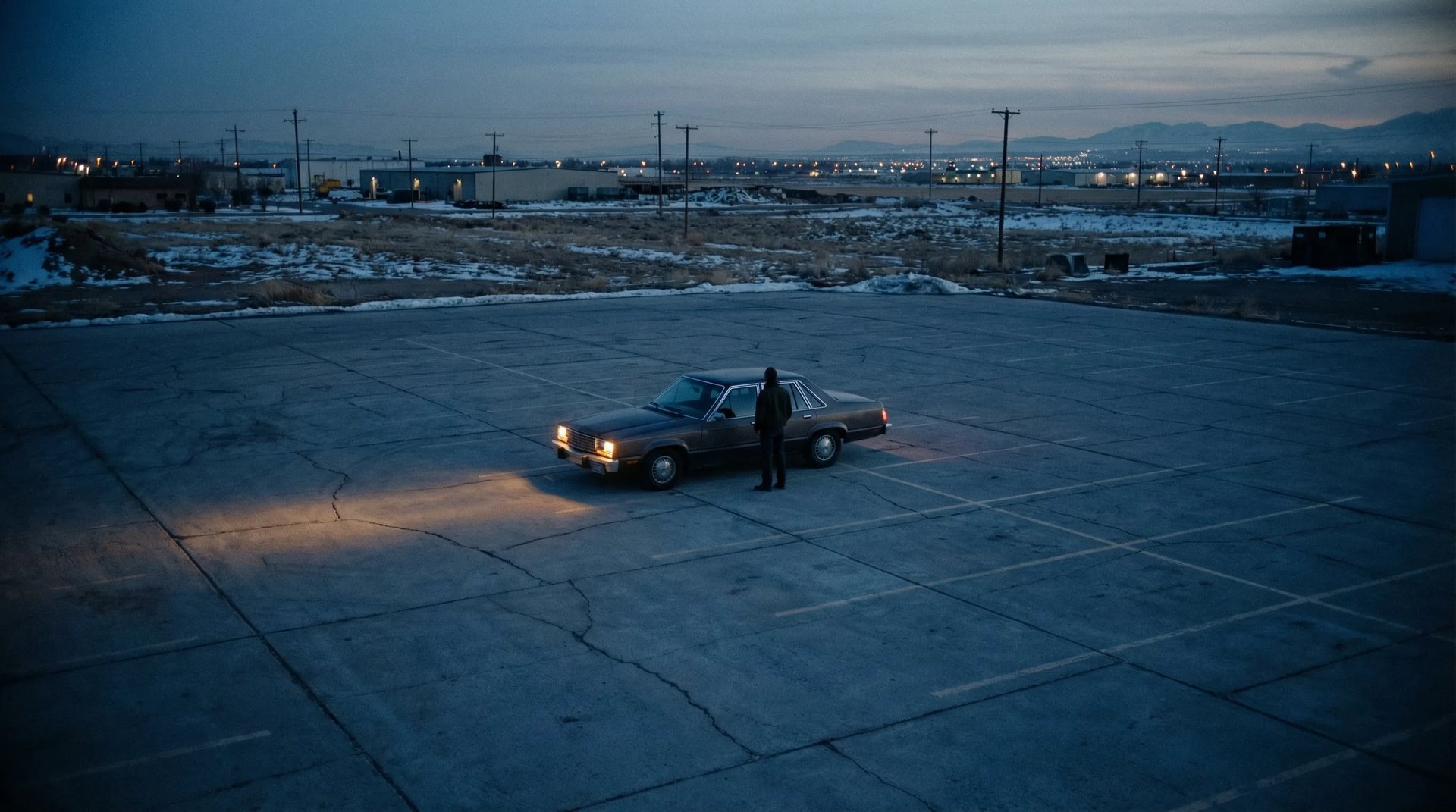
Showcase 9 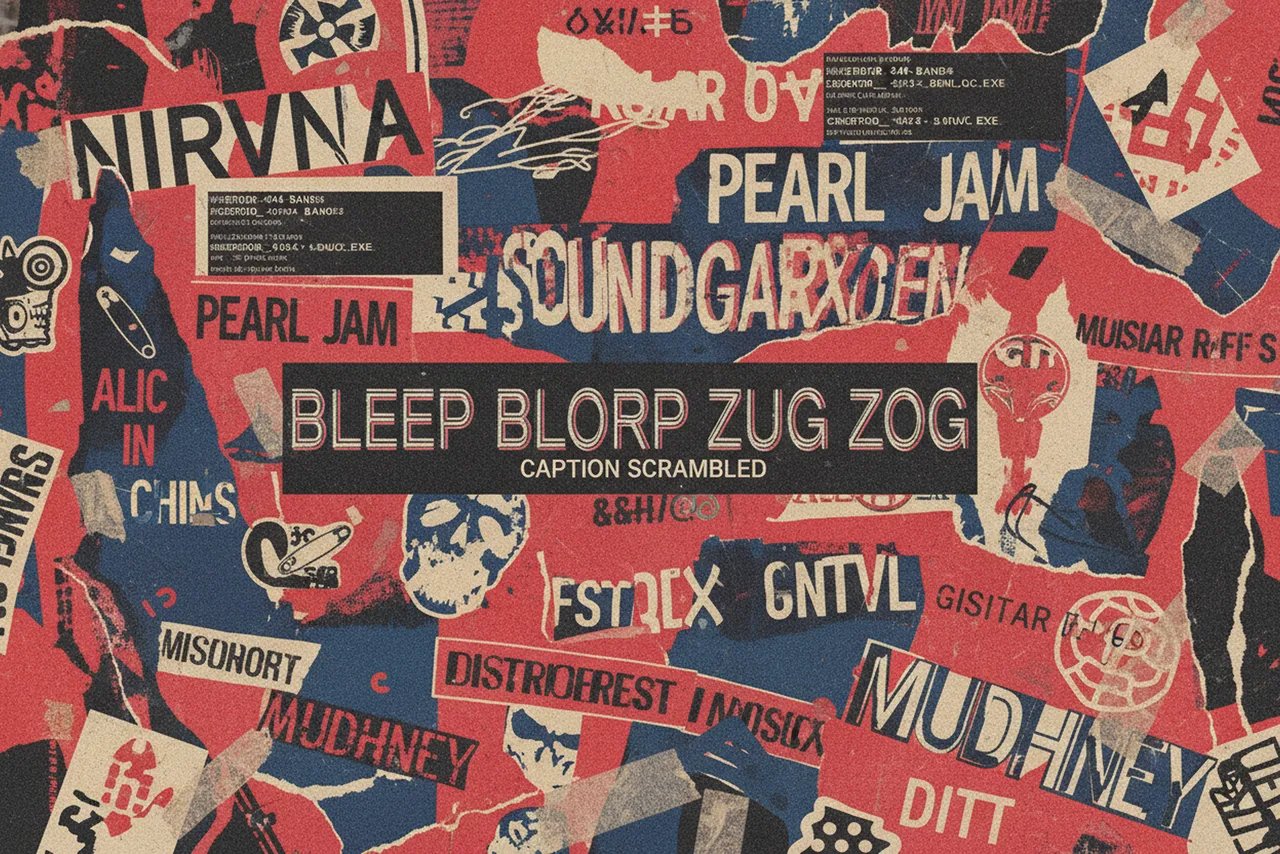
Showcase 10 
Showcase 1 Showcase 2 Showcase 3 Showcase 4 Showcase 5 Showcase 6 Showcase 7 Showcase 8 Showcase 9 Showcase 10
Generate using the openai’s latest image model
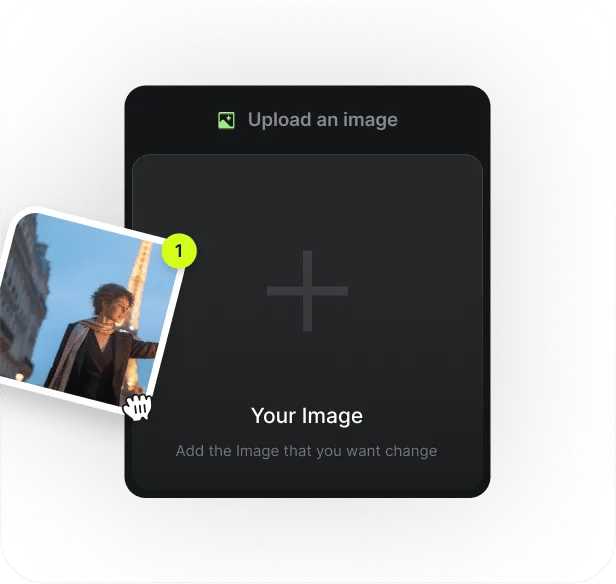
Upload Image Step 1
Upload Image
Add an optional image to guide the look, character, or environment.
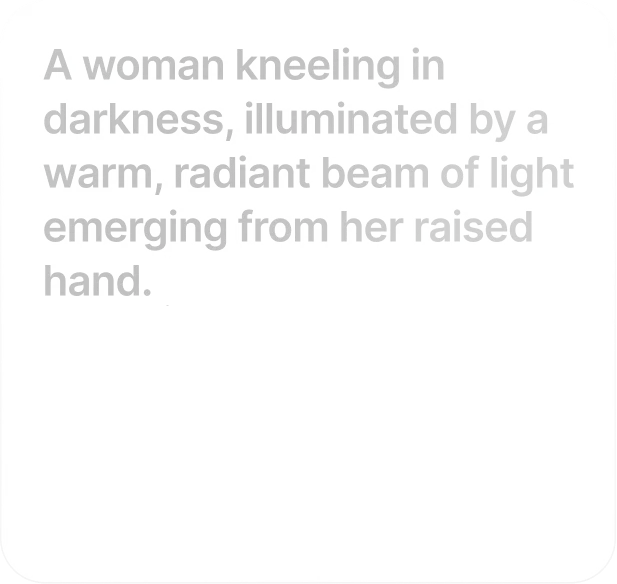
Write Your Prompt Step 2
Write Your Prompt
Type a prompt. Signage, packaging, multilingual text, complex compositions — the model reads them all correctly
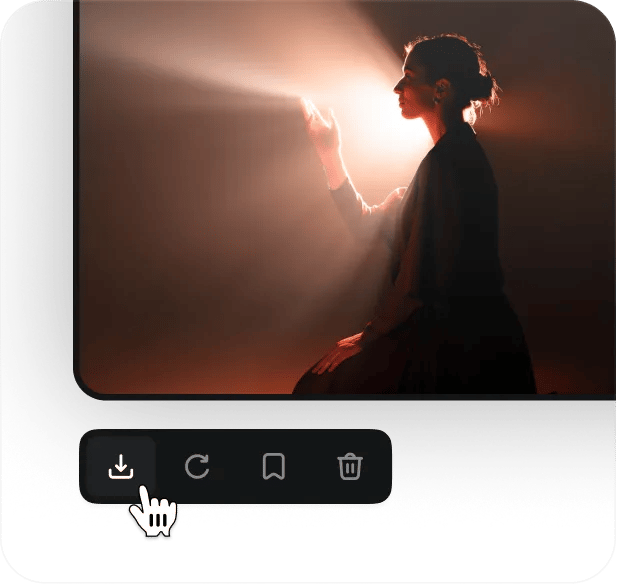
Start Generating Step 3
Start Generating
Click and generate with GPT Image 2 model. After you can download production grade image
A NEW CEILING FOR AI IMAGERY
Photorealism
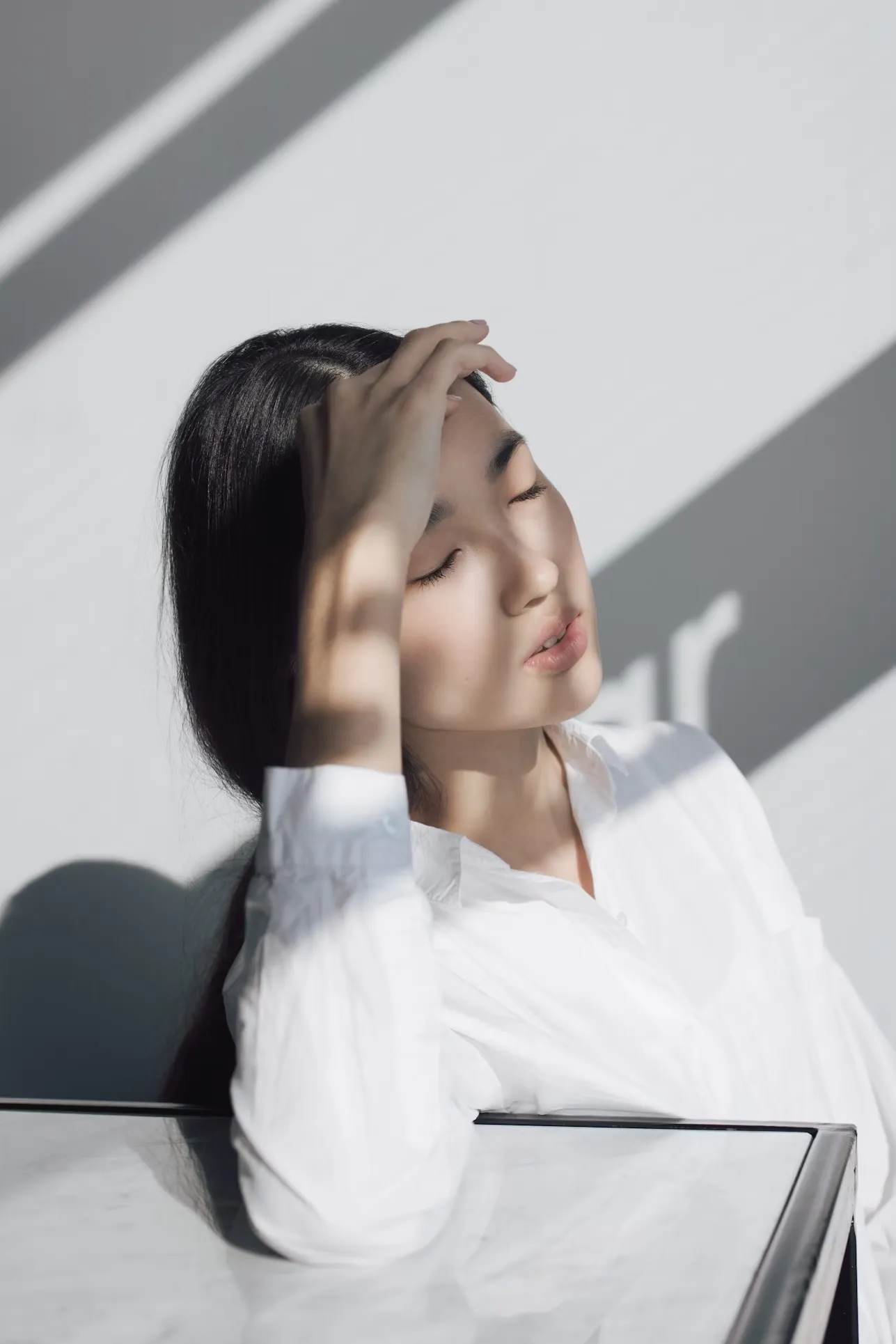
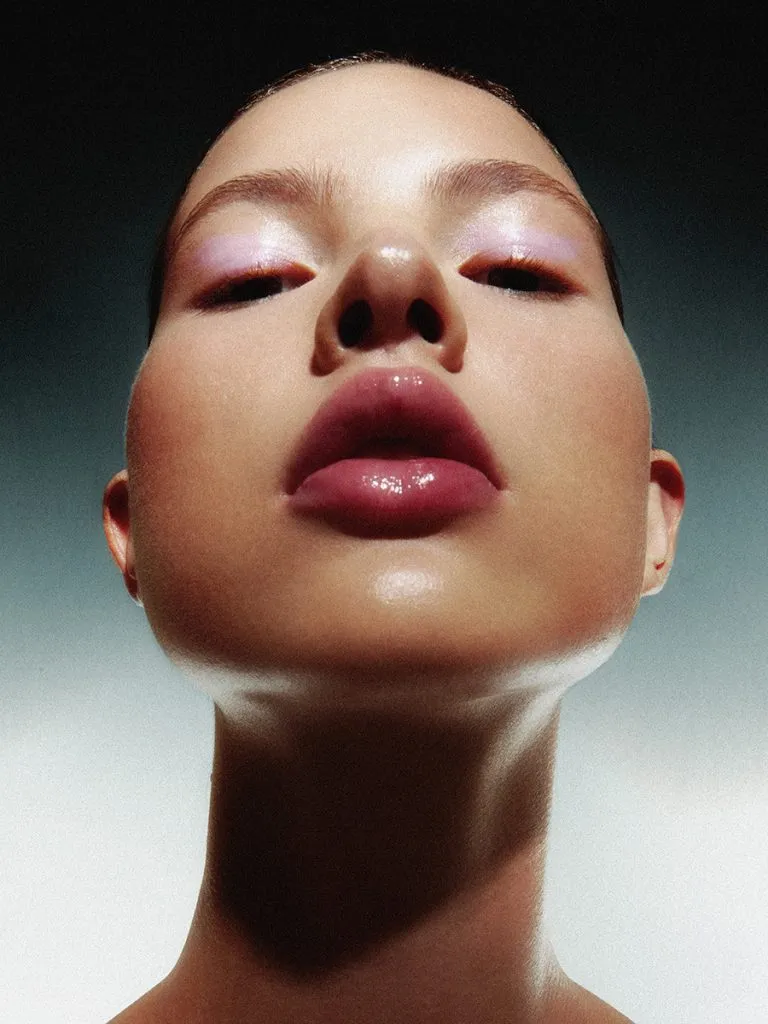
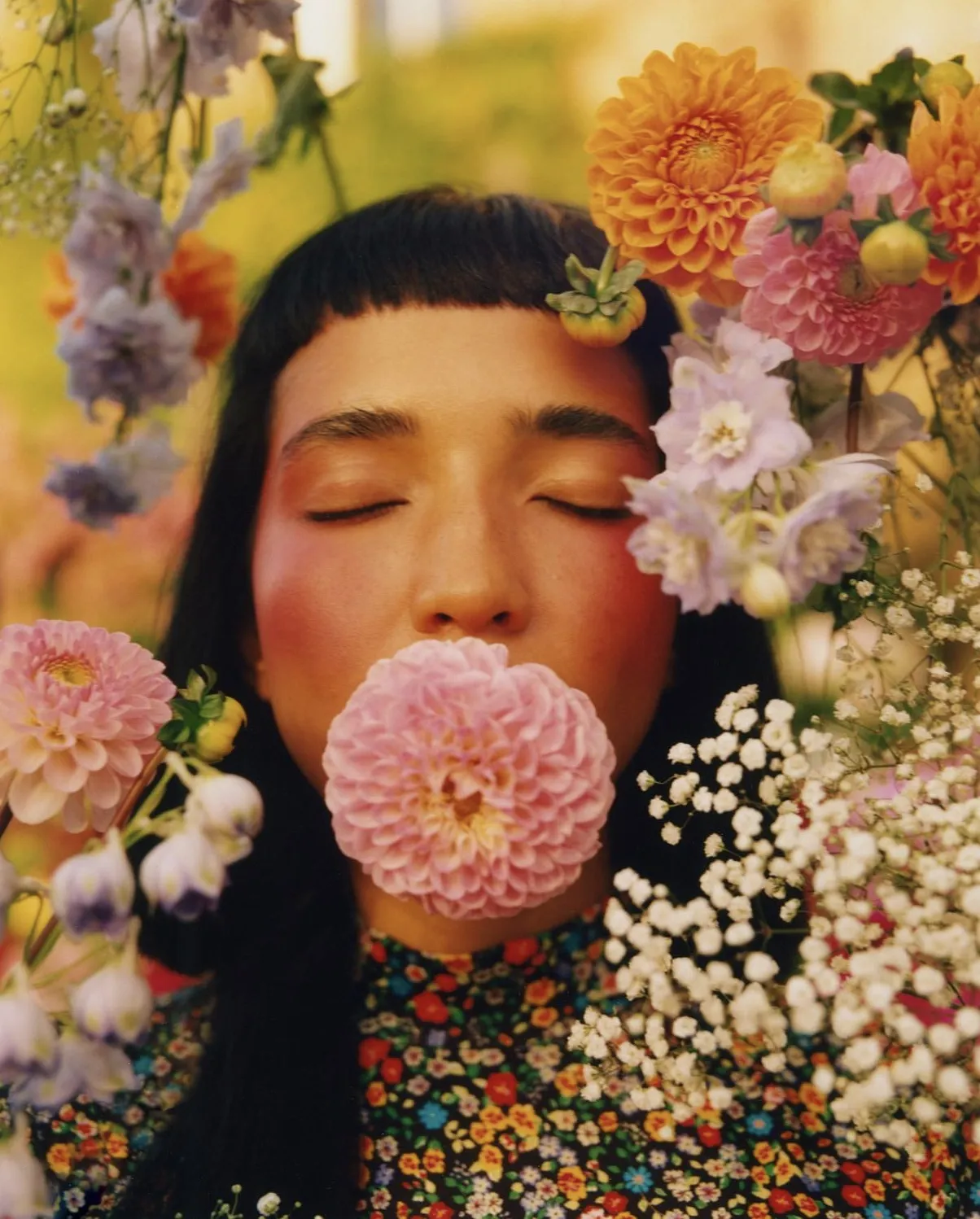
Natural lighting. True-to-life color. Real skin, real materials, real weight. The warm cast and generic "AI look" that defined earlier models is gone — replaced with output that reads as studio photography, at native 4K, in seconds
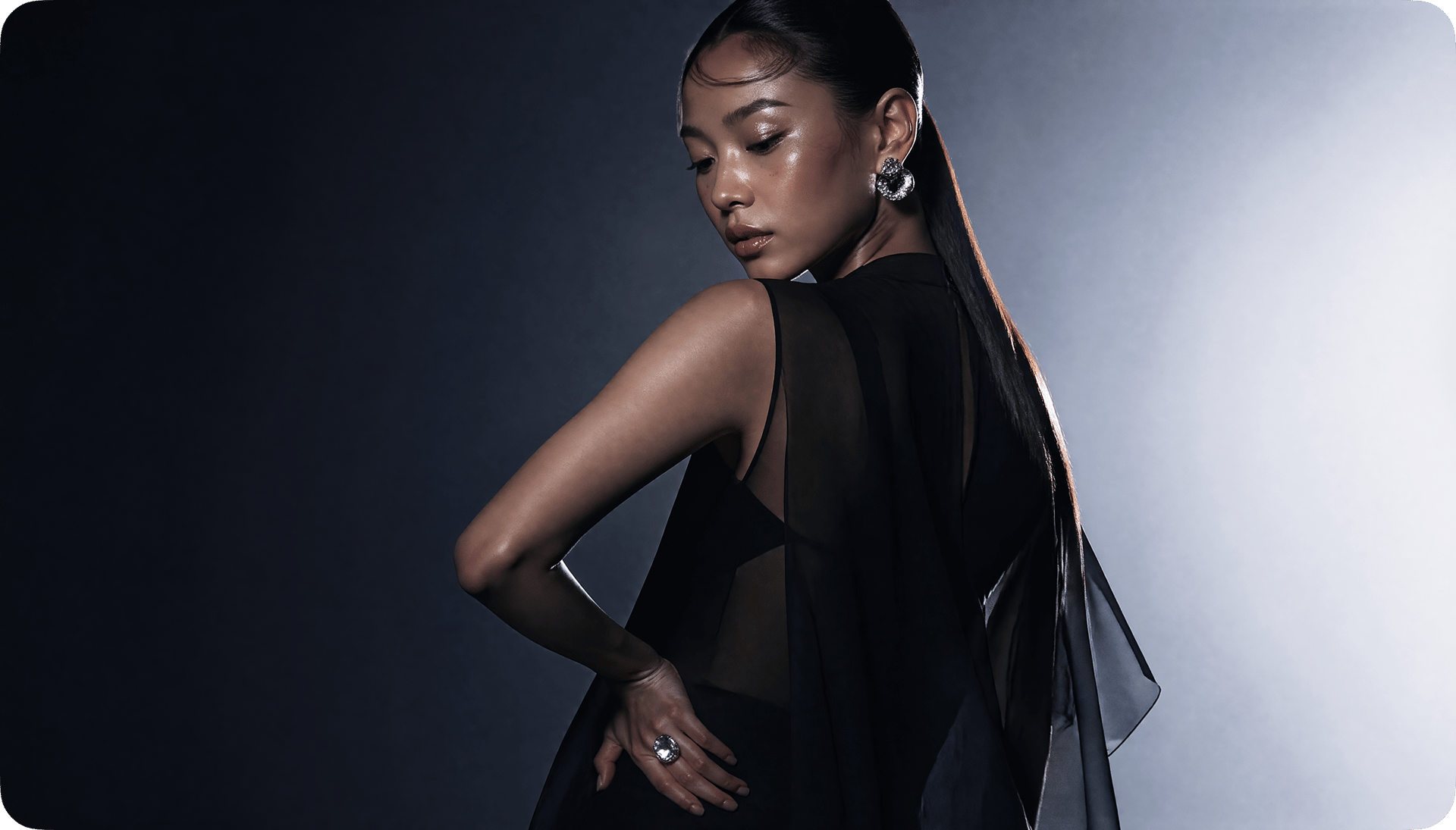
Photorealism
Natural lighting. True-to-life color. Real skin, real materials, real weight. The warm cast and generic "AI look" that defined earlier models is gone — replaced with output that reads as studio photography, at native 4K, in seconds
TYPOGRAPHY THAT SHIPS
Posters, packaging, UI mockups, signage, multilingual copy — rendered pixel-perfect on the first try. Over 95% text accuracy, including Chinese, Japanese, and Korean characters on curved surfaces, at small sizes, inside dense layouts. The garbled-text problem is finally solved
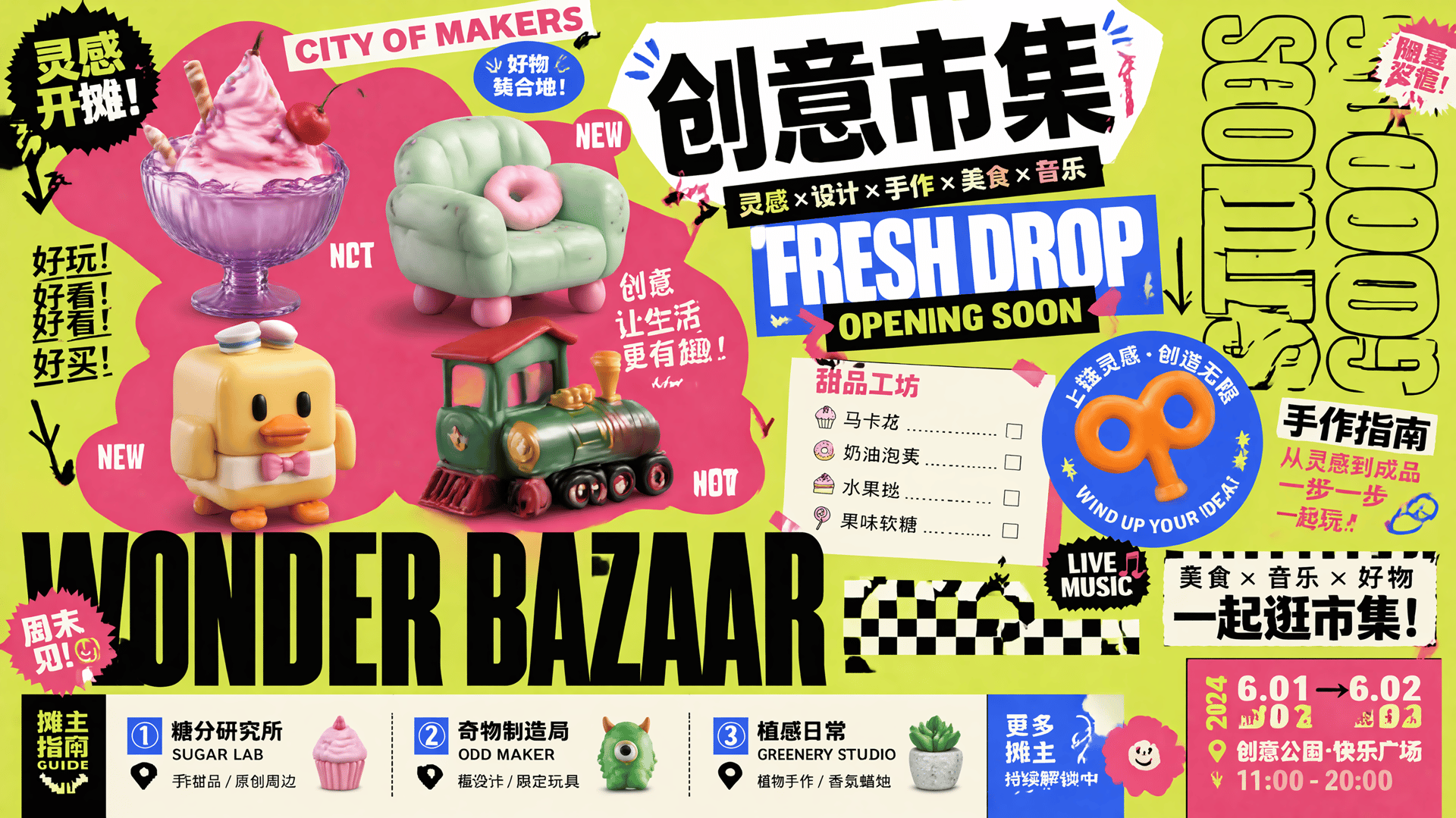
TYPOGRAPHY THAT SHIPS
Posters, packaging, UI mockups, signage, multilingual copy — rendered pixel-perfect on the first try. Over 95% text accuracy, including Chinese, Japanese, and Korean characters on curved surfaces, at small sizes, inside dense layouts. The garbled-text problem is finally solved
SAME CHARACTER, EVERY SHOT
Lock a character, a product, a brand asset — and keep it identical across storyboards, campaign variants, and multi-shot sequences. Faces, outfits, proportions, and details stay pinned while everything else changes
Start Now!Start Now!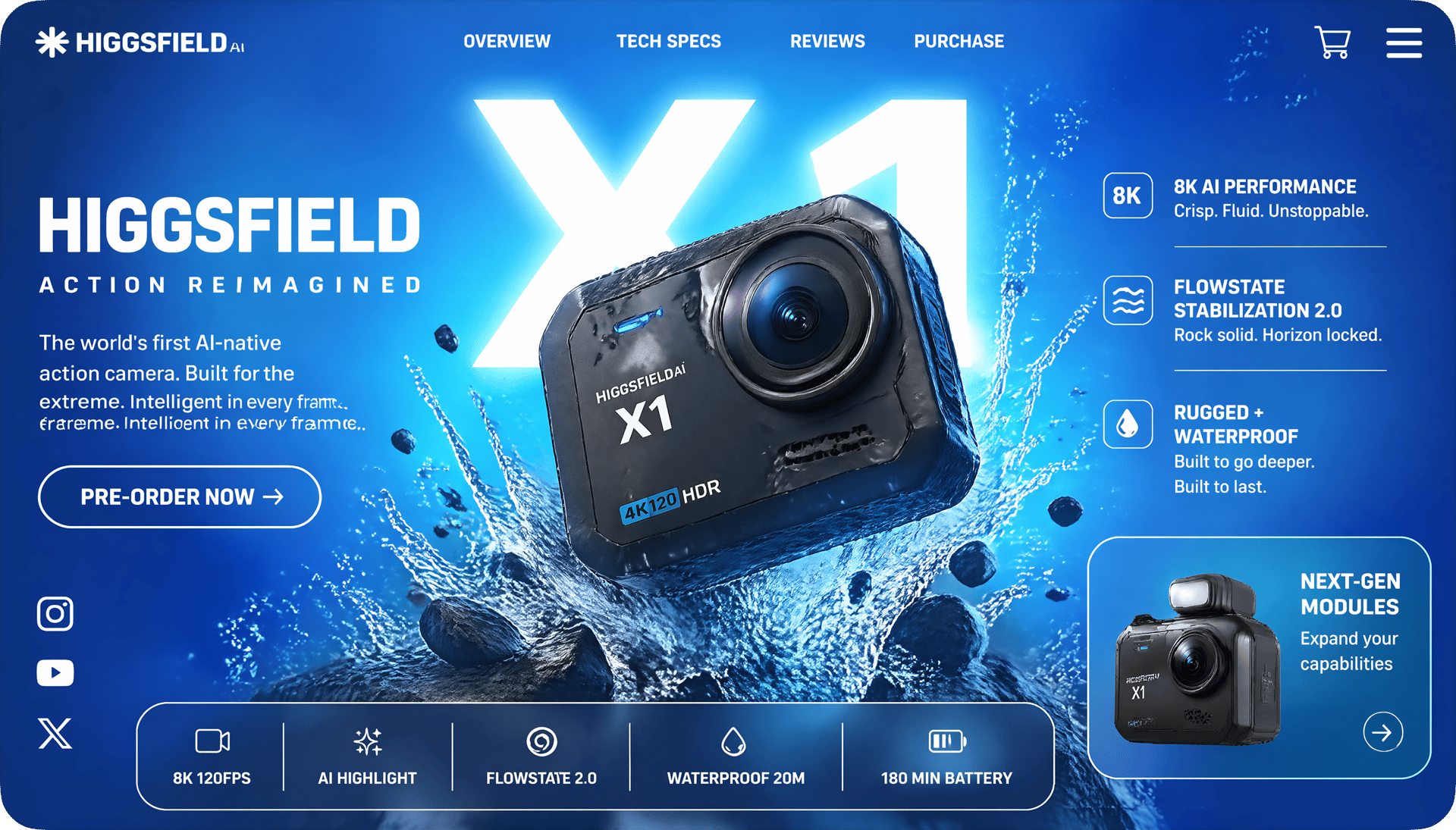
SAME CHARACTER, EVERY SHOT
Lock a character, a product, a brand asset — and keep it identical across storyboards, campaign variants, and multi-shot sequences. Faces, outfits, proportions, and details stay pinned while everything else changes
Start Now!Start Now!What Creators Are Saying
From first projects to everyday creative work, these highlights from Flow AI Video creator reviews explore the tools, workflows and support that made a difference.
Strong creative tools and satisfying results stand out to Alexandre. But a question about credits made the biggest impression: Tim answered with clarity and care, turning a support request into a particularly positive experience.
Spock's first projects have already led to videos they are excited about. Helpful support rounds out that early experience, with more platform improvements something to look forward to.
After editing since 2008, Rha still finds the leap from a written prompt to cinematic video remarkable. The range of tools can feel like a lot to take in, but it also opens up plenty to explore.
For Indonesian creator Akun Suliman, practical help with making content is what matters. Useful creative tools and encouragement from the team have made a real difference to the experience.
Shatanu Jachak appreciates a creative workflow that feels smooth and fast while delivering quality results. Support for the creative community and room to experiment make visual storytelling especially rewarding.
An approachable interface, clearly organized tools and fast cloud rendering stand out to Freissy Mediaart. Across numerous image and video projects, the creator reports being pleased with the results.
Regular improvements give Ls estúdios a reason to keep exploring. Useful tools and new features build on an experience the creator already enjoys, with a clear focus on helping creative work.
Rian Rizky Ananta values competitive credit pricing alongside a steady flow of new features. Just as important is the impression of a team that listens and keeps moving the product forward.
Deyo D puts creator-program support at the center of the experience. Professional, approachable help with questions makes the team feel invested in creators and their progress.

Trusted by 5.000+ people worldwide
 Powered by OpenAI
BE THE among the FIRST to try a new model
Join the exclusive wave of creators defining the next generation of generative art.
Start Generating!Start Generating!Still have questions?
We’ve answered the most frequently asked questions